
Start in your own words
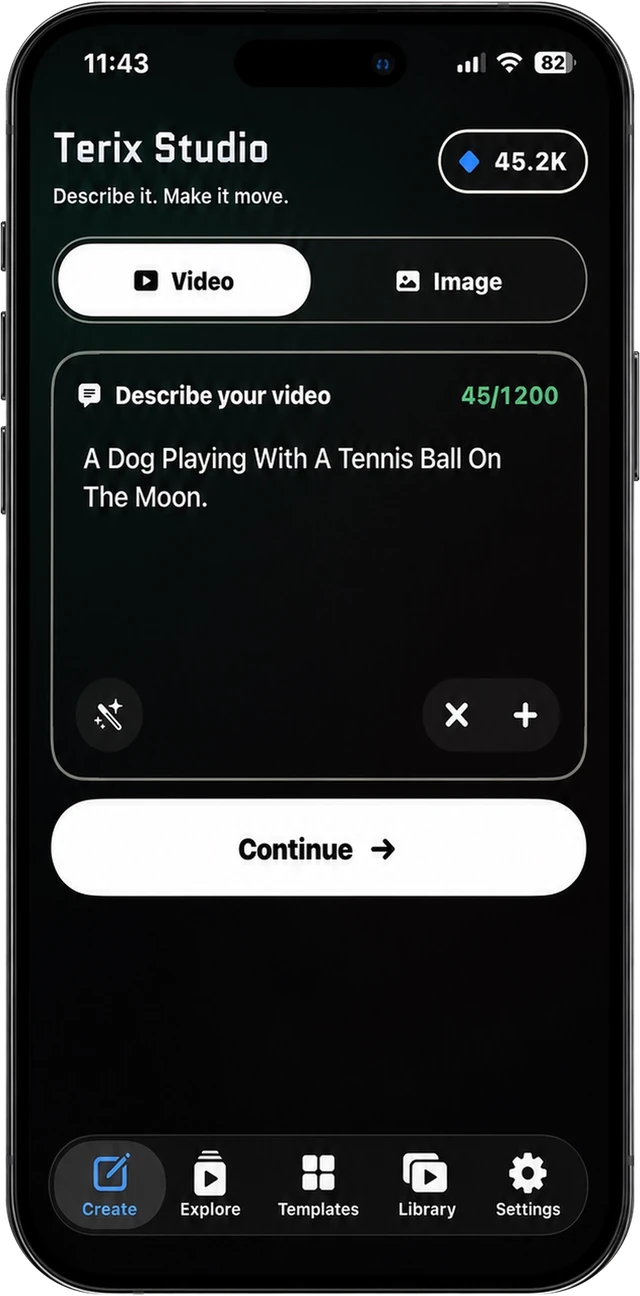
Ask for an image or video naturally. Add a reference photo only when it helps shape or animate the result.

Terix Studio for iPhone
Turn a simple description or a reference photo into a polished image or short video. No timeline, no technical model names and no surprise cost after you tap Generate.
How it works
Ask for an image or video naturally. Add a reference photo only when it helps shape or animate the result.
Pick format, duration and quality through clear controls. The full credit cost is visible before generation.
Jobs keep running if you leave the app. Completed creations wait in your Library when you come back.
Inside the app
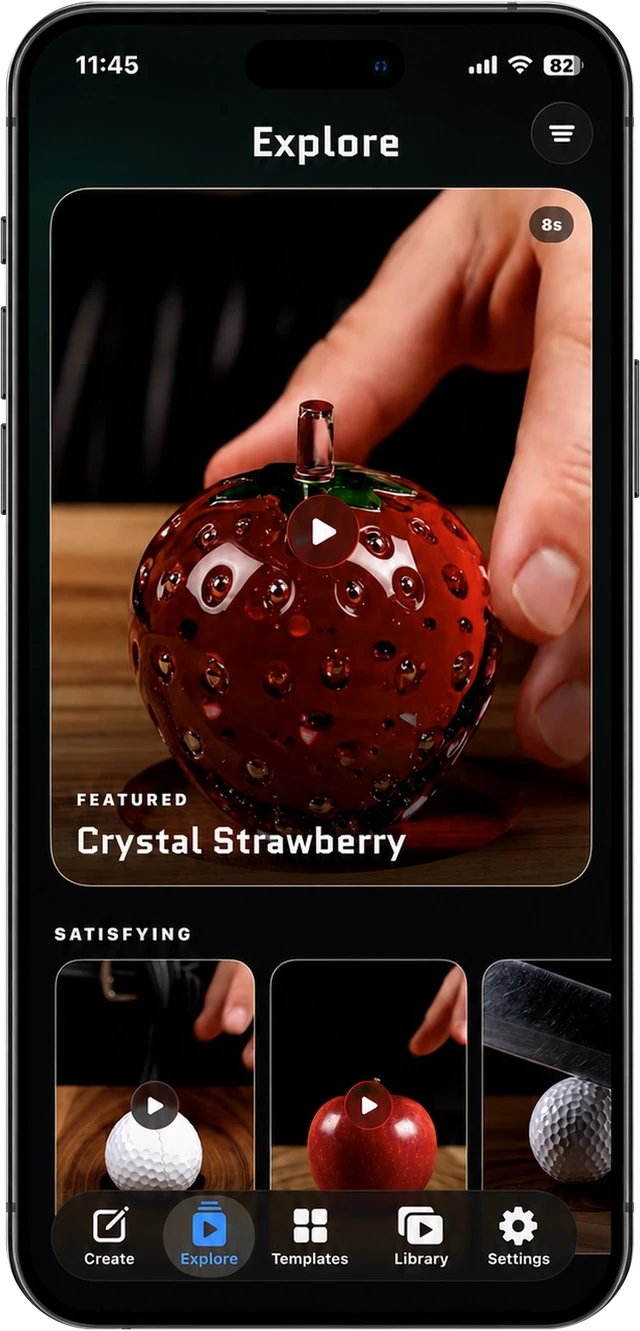
See the quality
before you create.
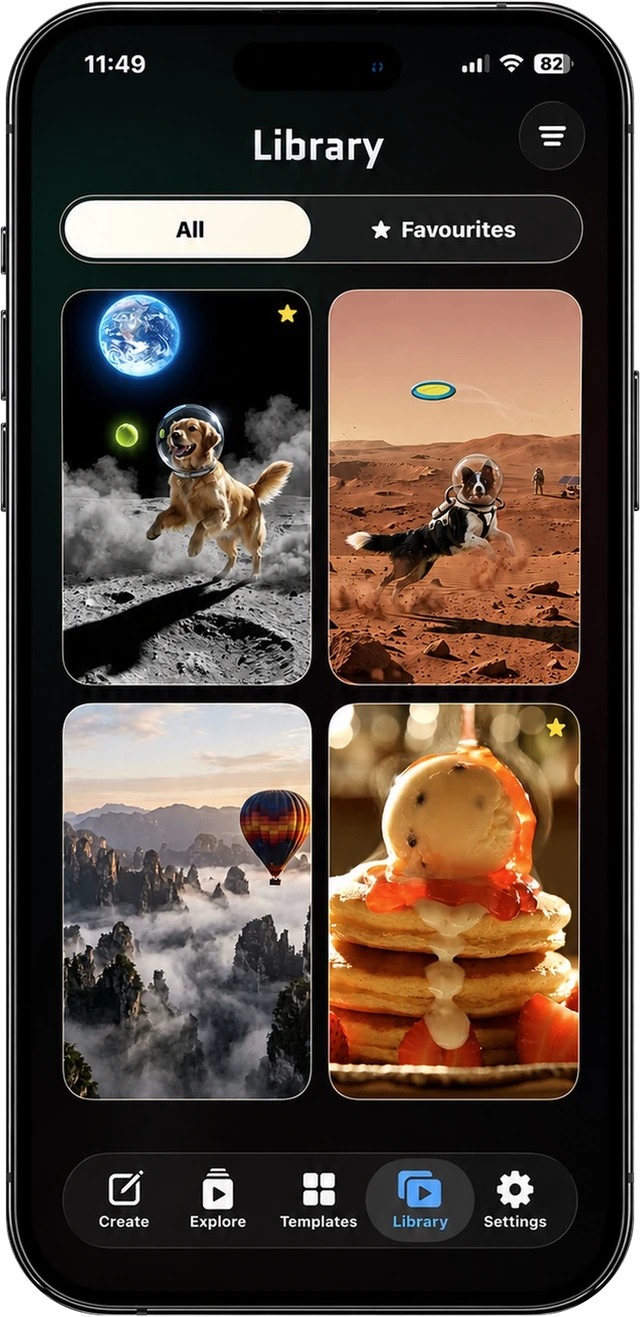
Every finished
creation together.
Transparent credits
Review the full credit cost before you confirm a generation.
Credit History shows exactly what returned after a failed generation.
Pro and Pro Max include monthly credits, with optional packs for extra work.
Privacy by design
No required name or email, no advertising and no sale of personal data. Terix Studio explains AI processing before the first generation and gives you account and content deletion controls.